Record Like a Pro — From Your Own Home
Capture studio-quality home guitar recordings for social media, demos, or remote collaboration, without getting overwhelmed by confusing gear and complex software.
Zero Guesswork
Use a simple, repeatable setup so you can focus on playing instead of spending hours in plugin menus.
“
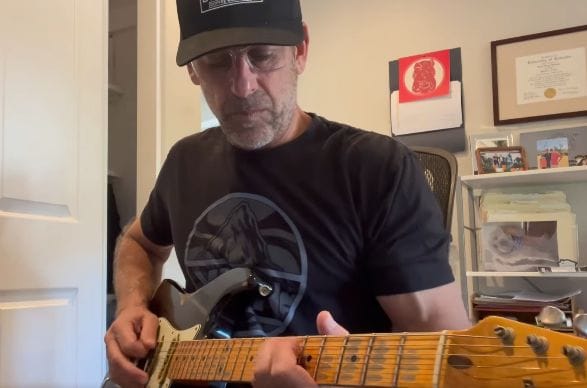
Bas makes learning simple. Not just learning but how to hit the right notes without thinking. Easy ways to navigate without a bunch theory. I have found that Baas increased my ability to play with others and not get lost. Even the people I play with often notice the difference. Thanks Bas for the great lessons and making guitar fun and easy !!
David Robinson
Free 20-minute gear & setup consult
Take the stress out of starting. We will evaluate your current gear, clarify what you actually need, and make sure you do not waste money on unnecessary studio hardware.
We’ll cover your computer or laptop, audio interface, DAW, and free plugins.
What we review together
1. Computer or Laptop
Choosing a computer or laptop that works well for your home-recording setup.
2. Audio Interface
Choosing the right audio interface for your guitar-recording setup.
3. Cubase, Logic, or Others
Whether Cubase, Logic, or another DAW fits your style.
4. Free Plugins & What to Skip
Which free plugins are worth using, and which ones to skip.
A Repeatable Recording Workflow
Set up a repeatable workflow so you can load a template, plug in your guitar, and be ready to track immediately. Focus on playing rather than spending your creative time fiddling with plugins.
Ready-to-Play Templates
Use presets and templates so you do not have to start from scratch each time.
No Friction, Just Playing
Load your template, plug in your guitar, and spend less time adjusting plugins so you can focus on playing.
Clean, Dynamic Tracks
Learn recording techniques that help you capture clean takes and real dynamics.
Supported DAWs, Plugins & Techniques
Clear guidance built around standard digital audio workstations and proven free software, customized to match your current desktop setup.
DAW Guidance: Cubase & Logic Pro
Cubase is my main DAW, and I also support Logic Pro and other DAWs.
Curated Free Plugins
Explore useful free plugins for amp modeling, effects, and mastering.
Studio Recording Techniques
Explore practical recording techniques for clean takes and real dynamics.
Share Your Sound
Get practical advice on capturing and formatting recordings that translate clearly across social platforms, including Instagram, TikTok, and YouTube.
“
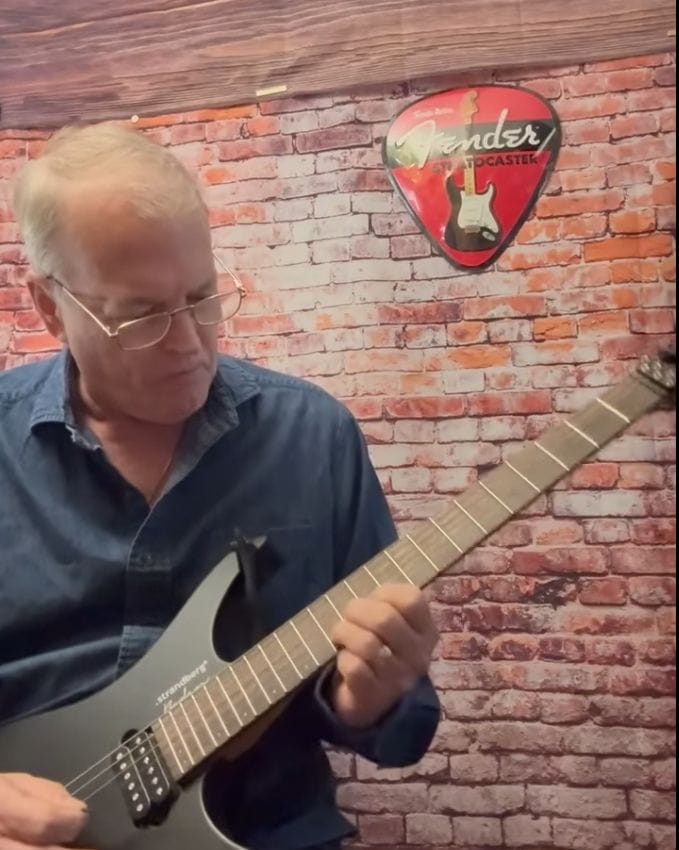
Bas is an outstanding blues guitar instructor — knowledgeable, patient, and incredibly effective. His lessons are concise, affordable, and perfectly tailored to my level. He’s helped me make real progress with fundamentals like chord structure, timing, and especially landing notes and dynamics. I’ve advanced farther with Bas than with any other blues guitar instructor I’ve worked with.
Chris Wendling
Ready to get clean, professional guitar tracks at home?
Let us talk through your setup, streamline your recording flow, and get your music sounding the way you hear it.